Course creators
Build labeled worksheets, multi-panel explainers, and formula-heavy slides with the Qwen Image 3 AI Image Generator when small text must stay readable. One long prompt can draft a full board for class review.
 Qwen Image X
Free online workspace. Text to image and image to image — Qwen Image 3 first, more models one click away.

Candid street portrait of a young woman in a mustard raincoat laughing under a clear umbrella on a rainy Tokyo side street at dusk, neon reflections on wet asphalt, shallow depth of field, 35mm film look.
Most people land here for one job: make a usable image with Qwen Image 3 — posters, storyboards, bilingual ads, study sheets. Qwen Image X puts that Qwen Image 3 AI Image Generator front and center, with text to image and image to image in the same workspace. When a draft needs a different look, you can switch models without pasting prompts into a second site. Free signup credits cover a default-tier start so you can try before you pay.
From a blank box to a downloadable still — no install, no separate Qwen account, no juggling tabs.
The picker opens on Qwen Image 3 by default for dense layouts and sharp text. Need a faster draft style? Switch models in one click — your prompt and reference stay loaded.
Describe the scene in plain language for text to image, or drop a reference for image to image edits. Long prompts work well on Image 3 when you need multi-panel boards or fine labels.
Hit generate and review the still. Run another pass, tweak the prompt, or restyle with image to image. Failed runs refund credits automatically. Paid plans include commercial use.
Same free online workspace — different jobs for education, growth, design, and shop teams.
Build labeled worksheets, multi-panel explainers, and formula-heavy slides with the Qwen Image 3 AI Image Generator when small text must stay readable. One long prompt can draft a full board for class review.
Ship bilingual campaign posters and ad variants fast. Start free with signup credits, lock the layout on Image 3, then iterate headlines without leaving the picker.
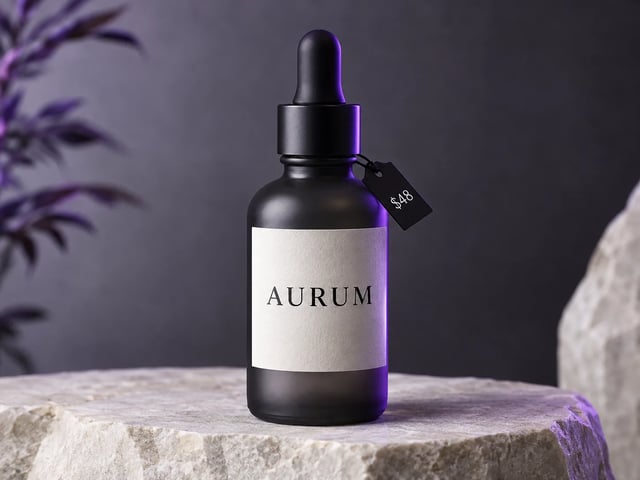
Explore packaging mockups and UI-style frames with sharp labels. Use image to image to restyle a product photo while keeping brand text intentional.
Lay out storyboard grids and beat sheets in one pass. Parallel panels stay distinct so writers and directors can comment on pacing before a full shoot.
Generate catalog stills and size-chart style boards, then refine with image to image. Readable on-image labels help listings look finished, not like a blurry mock.
Keep one visual system and swap language on the poster. Image 3’s multi-language text support helps regional campaigns stay on-layout.
Default model is Qwen Image 3 — built for dense layouts, tiny text, and multi-language work. Qwen Image 2 and other models stay one click away in the same picker.
Write posters, infographics, and UI mockups in plain English. The Qwen Image 3 AI Image Generator is strongest when the brief needs organized regions, not a single blurry subject.
Upload a reference and restyle, fix details, or extend the scene. Your prompt and photo stay loaded when you switch models.
New accounts get free credits to try a default-tier run. Top up or subscribe when you need more volume — no card required just to open the workspace.
Paid plans include commercial licensing for ads, client work, and storefronts. Free-tier stills are for personal testing unless your plan says otherwise.
Server errors, timeouts, or filters refund credits automatically. You only spend on outputs you receive.
One finished still with a readable line, in the same picker as Qwen Image 3.
It is the free online image workspace on Qwen Image X with Qwen Image 3 selected by default. You can run text to image and image to image in the browser, switch models in one picker, and start with signup credits — no separate install.
Yes. New accounts get free signup credits that can cover a default-tier generation (for example 1K on Qwen Image 3). No credit card is required to start. Buy more credits or subscribe when you need higher volume or commercial licensing.
Qwen Image 3 is tuned for useful, dense output: long prompts (up to about 4.5k tokens), small readable text, multi-panel boards, and multi-language layouts. Other models stay available when you want a different speed or style.
Yes. Upload a reference photo and describe the change. Most models in the picker — including Qwen Image 3 — support image to image so you can restyle or refine without starting from zero.
The homepage explains the brand and the full Qwen Image series. This /image page is the live Qwen Image 3 AI Image Generator workspace — generator first, with steps, use cases, and FAQ focused on making images now.
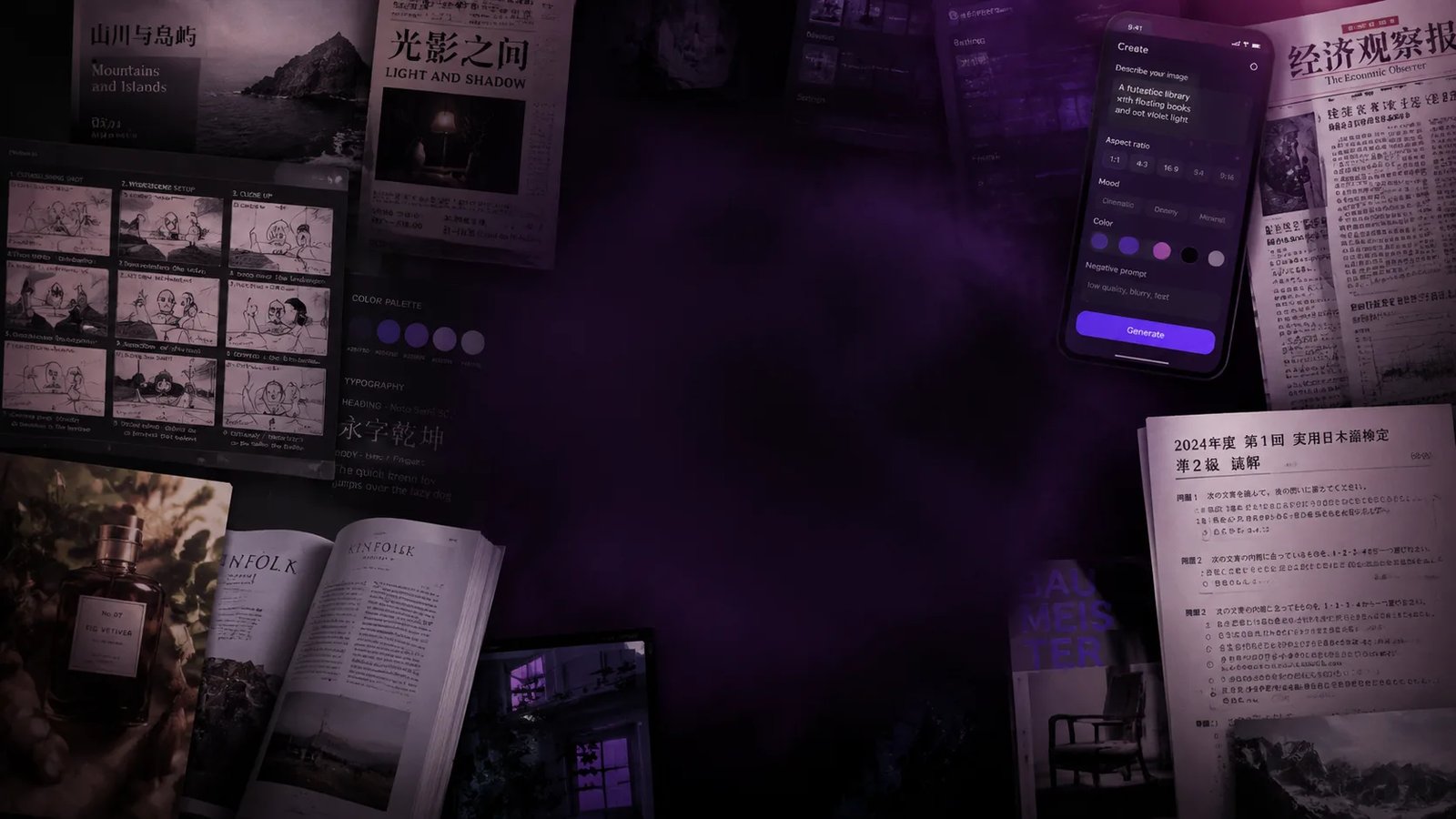
Structured visuals: storyboards, newspaper-style pages, exam sheets, bilingual posters, packaging with fine labels, and UI-like mockups. Long, clear prompts help keep panels and text organized.
Paid plans include a commercial-use license for ads, products, and client work. Free-tier outputs are for personal testing unless your plan states otherwise. See the legal pages for exact terms.
No. The Qwen Image 3 AI Image Generator runs in your browser. Open /image, sign up for credits, and generate online.
Generate first, then remove backgrounds, upscale, or extend the scene — still inside Qwen Image X.
Open the image tools workspace for generator plus post-processing tools in one place.
Cut a clean transparent PNG from a generated or uploaded still.
Enlarge a photo or generated image when you need a larger export.
Change aspect ratio without hard cropping — the AI extends the scene.
Signup credits, Qwen Image 3 by default, text to image and image to image in one browser workspace.