限时 6 折优惠!领取优惠
新品 — Qwen Image 2.1 · 注册积分免费试用

Qwen Image 2.1 成片静图与精准改图——免费试用

做价签可读的产品照、短标题海报,或只改照片一处。在线文生图与图生图。

成片得能上架:价签要读得清,海报标题要短,改照片时脸不能垮。打开 Qwen Image 2.1,写提示词或上传照片。注册积分覆盖默认 1K 起步。

  • 价签可读的产品成片
  • 短标签写得有意图
  • 只改一处,其余原样
  • 文生图 + 图生图
  • 注册积分免费试用
  • 1K 先试;2K 或 4K 定稿
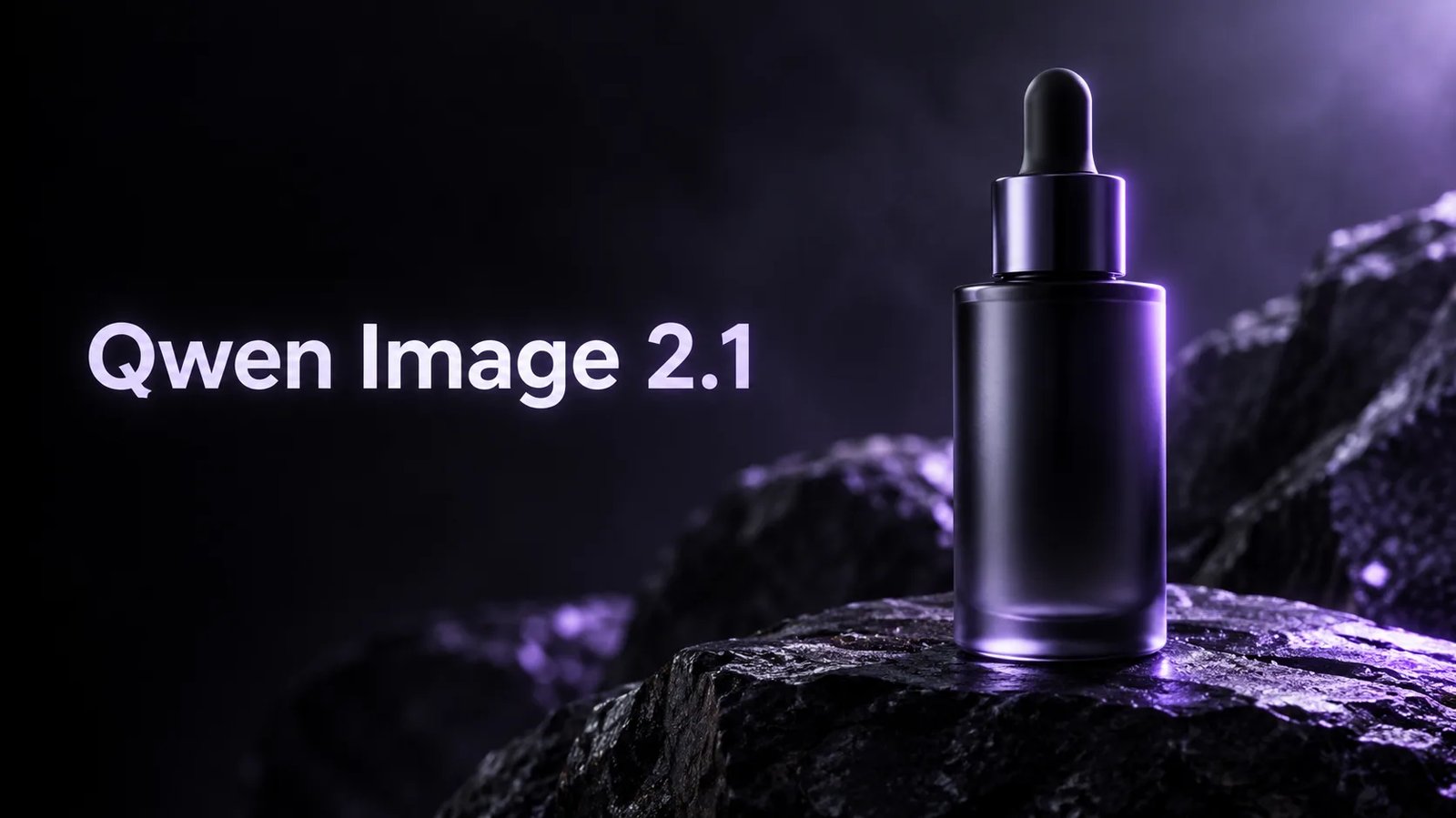
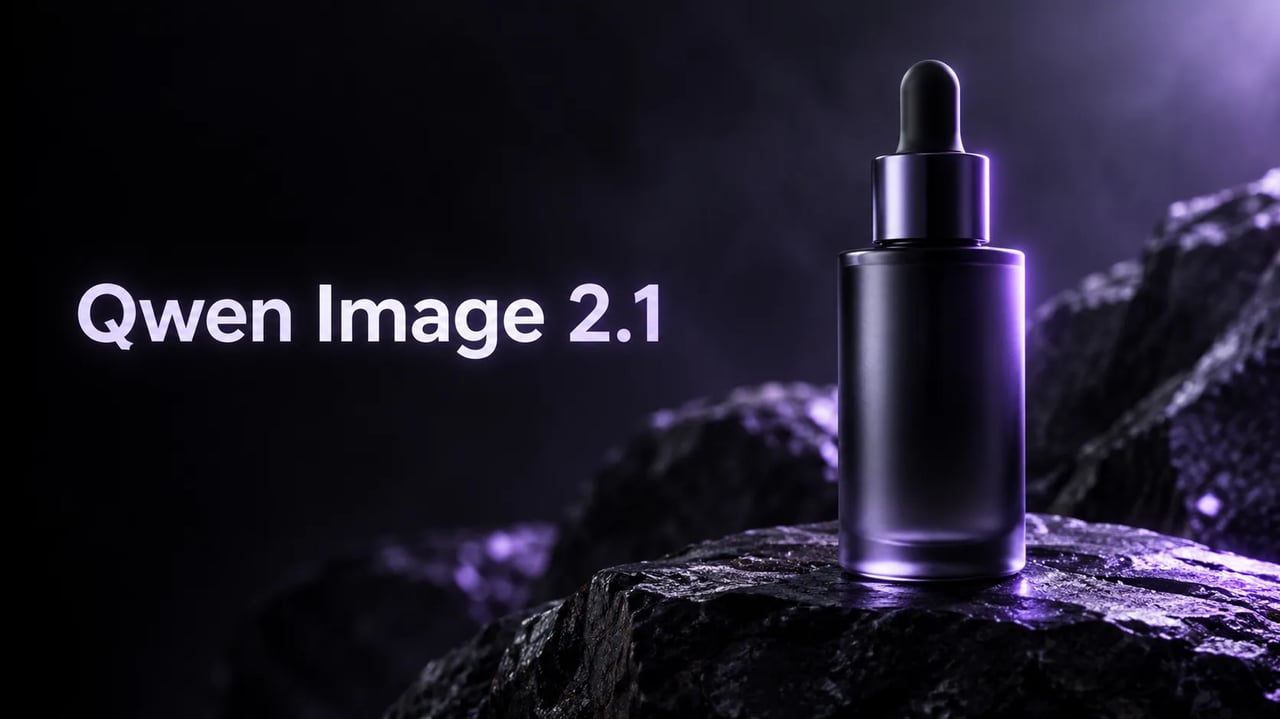
Qwen Image 2.1 产品主视觉——左侧字标标题 Qwen Image 2.1 与玻璃滴管瓶
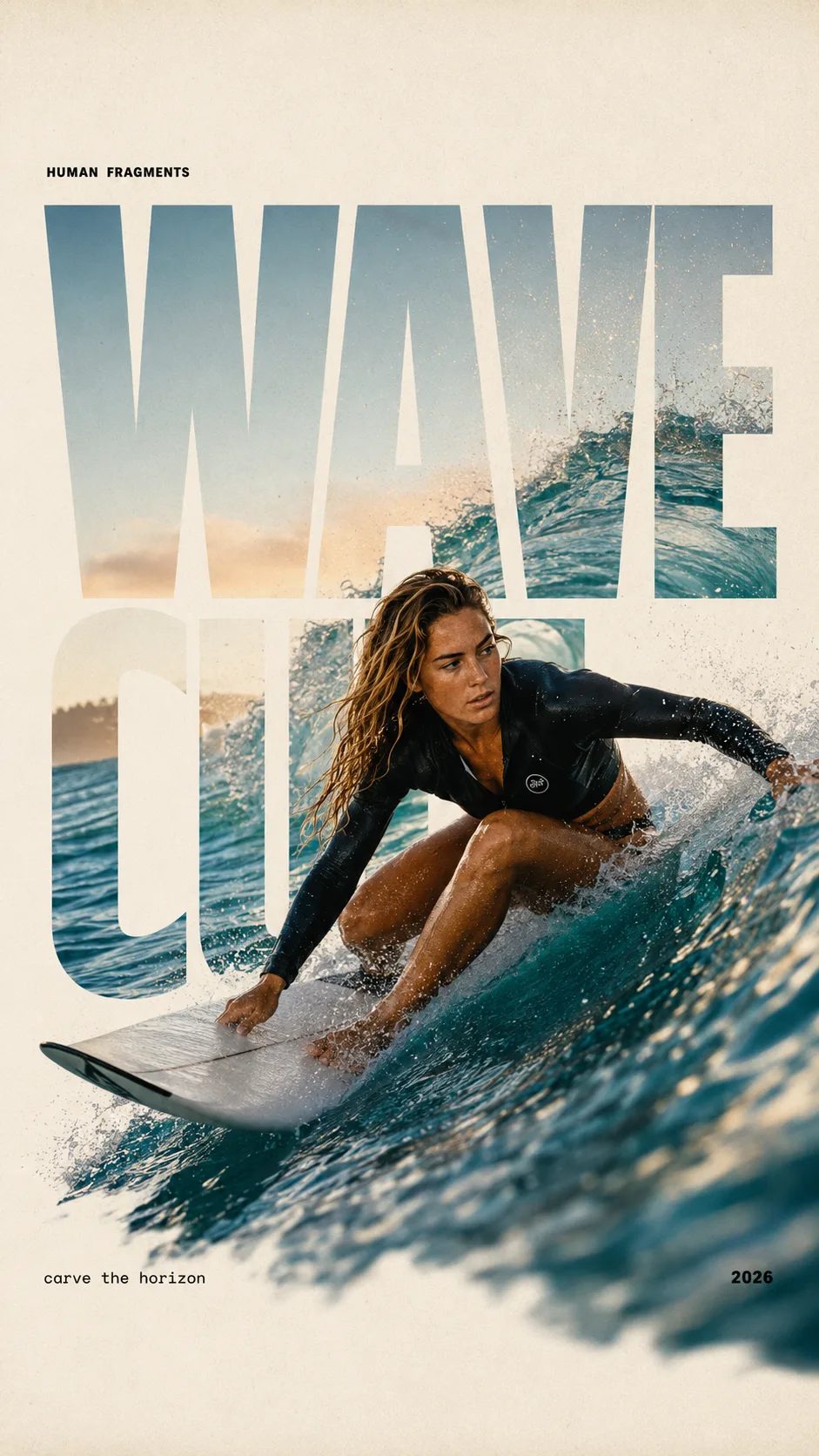
HUMAN FRAGMENTS editorial poster sample

Create a 9:16 editorial poster in the HUMAN FRAGMENTS visual system. Theme: [surfing / basketball / boxing / cake decorating] Subject: [gender, age, appearance, outfit] Action: [specific movement or handcraft] Scene: [location and environment] Title: [custom two-word title] Supporting line: [one short phrase] Year: 2026 Use oversized cropped typography as the main structural framework. The letters should act as windows that reveal the surrounding environment, while the main person remains visually complete in front of the type. Do not let the letters cut through the face, torso, arms, thighs, or other important parts of the body. Let one key action element break beyond the typography to create strong depth: 1. WAVE CUT — a surfer carving across a rising wave, with the board nose, hand, water spray, and curled wave breaking outside the letters. 2. RIM RISE — a basketball player reaching toward the hoop from a camera placed above the rim, with the basketball, hand, and hoop fully outside the letter masks and aligned naturally. 3. IMPACT FRAME — a boxer throwing a straight punch toward the camera, with the foreground glove enlarged and breaking beyond the typography while the gym remains inside the letters. 4. SOFT SWIRL — a graceful young woman decorating a cake, with the piping bag, hands, cake, and cream details extending beyond the letters while the bakery interior appears inside the type. Use realistic photography, believable anatomy, natural skin texture, strong foreground perspective, subtle paper grain, a warm off-white background, restrained colors, and clean editorial spacing. Keep the text minimal and freely placed: [Title] HUMAN FRAGMENTS [Short supporting line] 2026

Create a 9:16 editorial poster in the HUMAN FRAGMENTS visual system. Theme: [surfing / basketball / boxing / cake decorating] Subject: [gender, age, appearance, outfit] Action: [specific movement or handcraft] Scene: [location and environment] Title: [custom two-word title] Supporting line: [one short phrase] Year: 2026 Use oversized cropped typography as the main structural framework. The letters should act as windows that reveal the surrounding environment, while the main person remains visually complete in front of the type. Do not let the letters cut through the face, torso, arms, thighs, or other important parts of the body. Let one key action element break beyond the typography to create strong depth: 1. WAVE CUT — a surfer carving across a rising wave, with the board nose, hand, water spray, and curled wave breaking outside the letters. 2. RIM RISE — a basketball player reaching toward the hoop from a camera placed above the rim, with the basketball, hand, and hoop fully outside the letter masks and aligned naturally. 3. IMPACT FRAME — a boxer throwing a straight punch toward the camera, with the foreground glove enlarged and breaking beyond the typography while the gym remains inside the letters. 4. SOFT SWIRL — a graceful young woman decorating a cake, with the piping bag, hands, cake, and cream details extending beyond the letters while the bakery interior appears inside the type. Use realistic photography, believable anatomy, natural skin texture, strong foreground perspective, subtle paper grain, a warm off-white background, restrained colors, and clean editorial spacing. Keep the text minimal and freely placed: [Title] HUMAN FRAGMENTS [Short supporting line] 2026
什么时候该用 Qwen Image 2.1 出成片

一张成片静图——产品照、短标题海报,或精准改图——不是密密麻麻的板式。

Qwen Image 2.1 适合一张成片静图,不是密密麻麻的板式。短标签的精华液瓶。一行字的活动海报。只换玻璃颜色、字还留在原位的产品照。注册积分覆盖默认 1K 起步。试用无需绑卡。付费方案增加用量与商业用途。

复制一段需求

三条可直接跑的 Qwen Image 2.1 提示词

复制一条,打开生成器,用注册积分免费试。图内文字加引号。

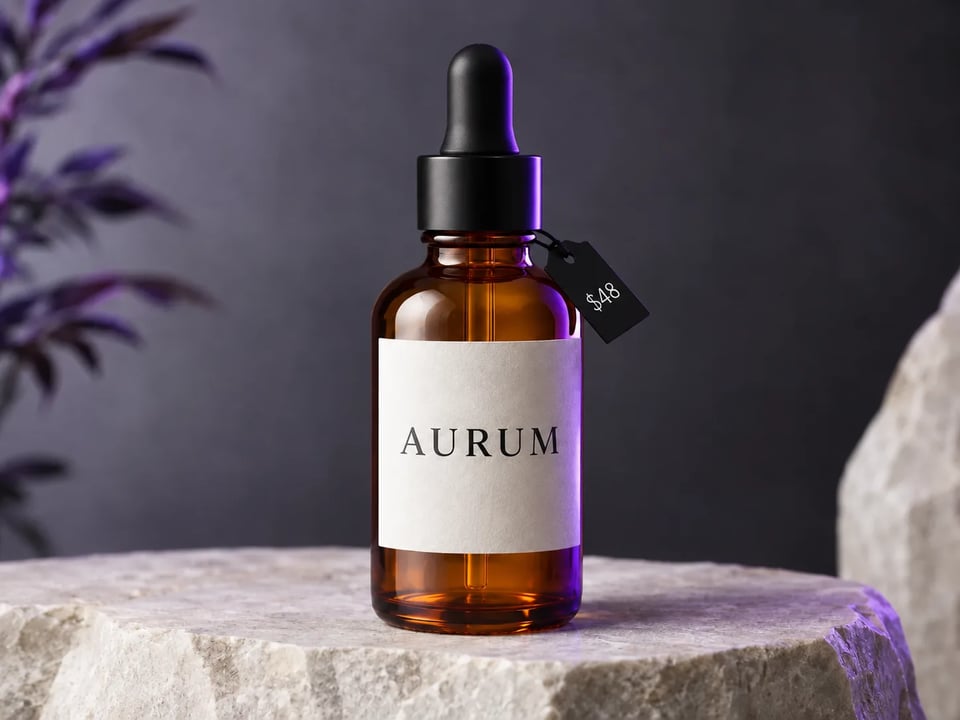
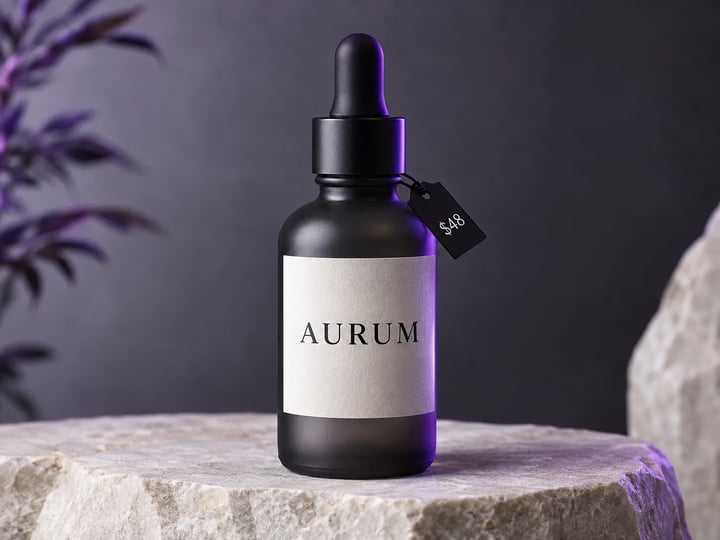
炭灰色玻璃精华液瓶的棚拍静图,带 AURUM 与 $48 价签
Reference image
4:3

Example prompt output

带价格的精华液瓶

A clean studio product photo of a matte charcoal glass serum bottle on a pale stone slab, short English label reading AURUM and a small price tag $48, soft violet rim light, high readability, no extra text

排版 产品主图 用途 目录成片
使用这条提示词
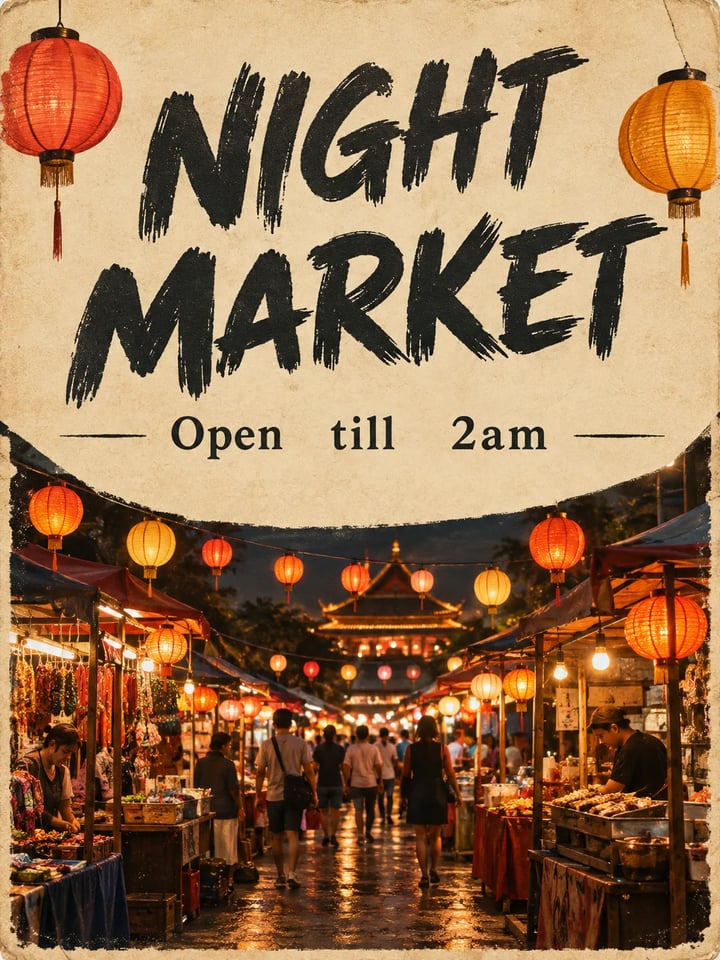
活动海报,标题 NIGHT MARKET,副标题 Open till 2am,灯笼夜市摊位
Reference image
3:4

Example prompt output

夜市海报

Premium campaign poster, short English headline NIGHT MARKET, one line subhead Open till 2am, lantern-lit food stall at dusk, cream paper texture, crisp readable type, no extra paragraphs

语言 英文 用途 海报
使用这条提示词
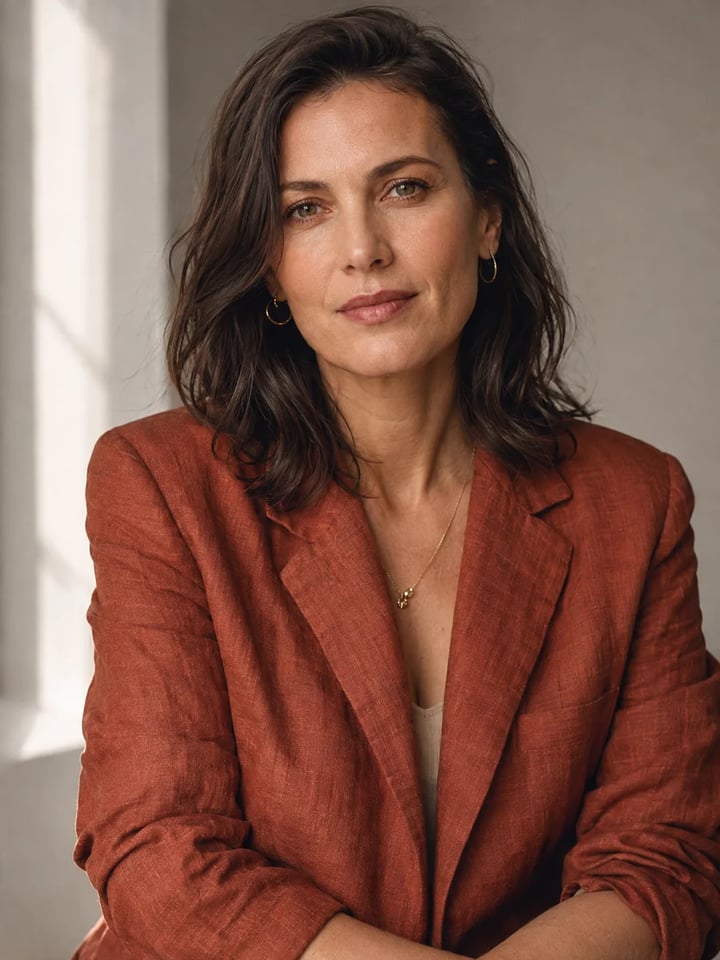
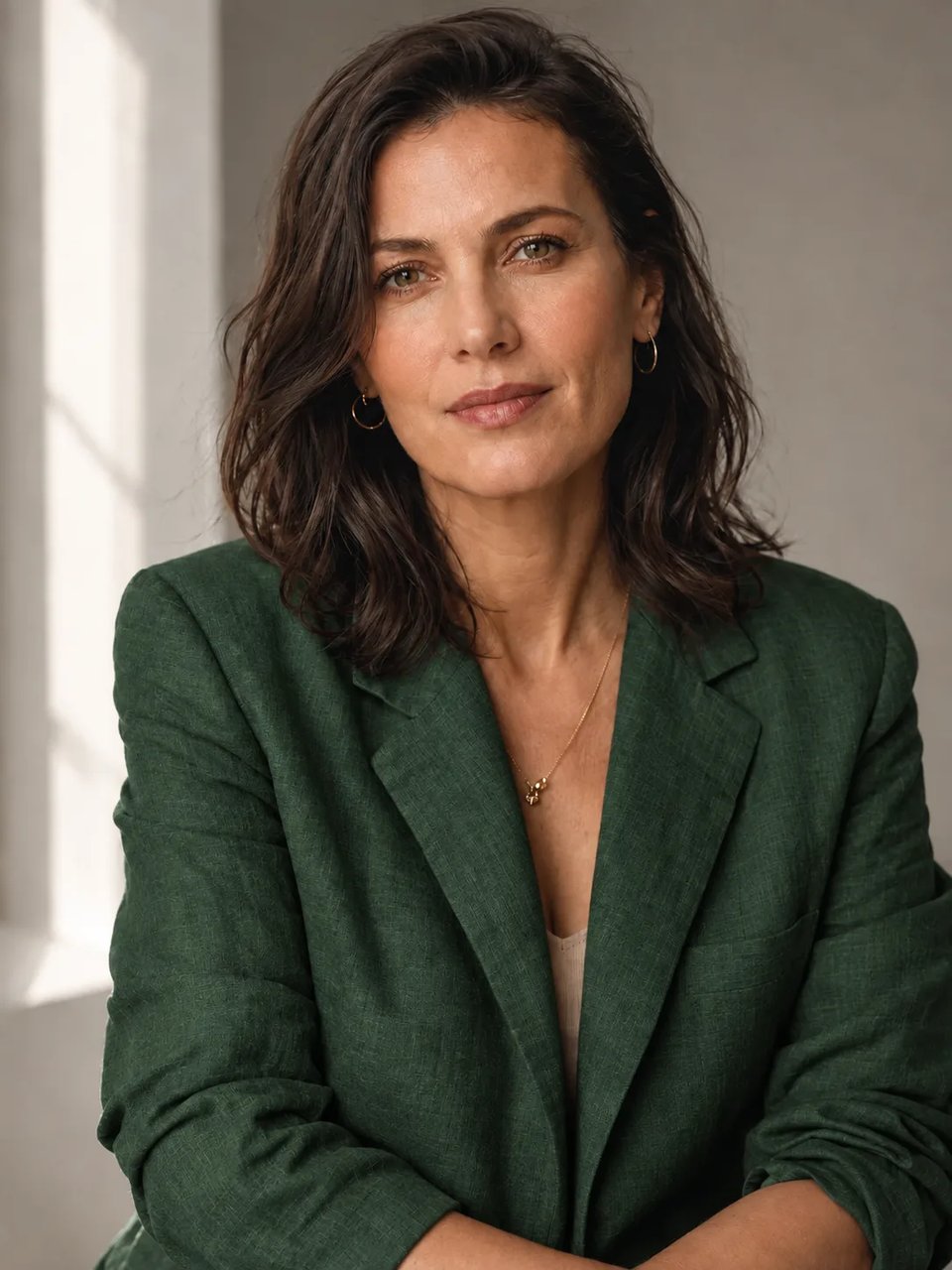
锈红色亚麻外套成年女性的杂志风人像,窗光,图上无字
Reference image
3:4

Example prompt output

杂志风人像

A finished editorial portrait of an adult woman in a rust linen jacket, window light, shallow depth of field, natural skin texture, no text, magazine-cover stillness

用途 人像 文字
使用这条提示词

图生图

用 Qwen Image 2.1 只改一处

上传静图,写清改哪一处,其余原样。下方原图即上一节的文生图样例。

同一只精华液瓶换成琥珀色玻璃;AURUM 与 $48 不变

原图

炭灰精华液瓶原图

提示词

Change only the glass to warm amber. Keep the same bottle, crop, AURUM label, and $48 tag. Do not add new text.

能力

Qwen Image 2.1 能做出什么

这台生成器就干四件事:目录成片、图内短句、只改一处、更高分辨率收尾。

出一张价签可读的产品成片

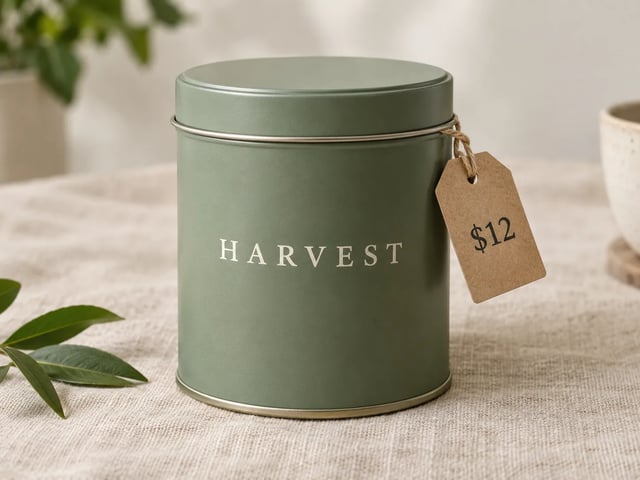
详情页主图需要瓶子、铁罐或纸盒,看起来能直接上架。还没有实拍时,走 Qwen Image 2.1 文生图。品牌词和价格用引号写进提示词,先在 1K 生成,核对文字后再升分辨率。

亚麻上的哑光茶叶铁罐,罐身 HARVEST,价签 $12

让图内短句写得有意图

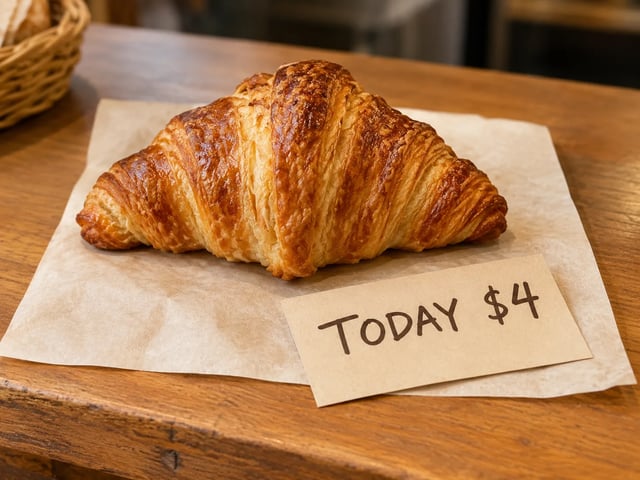
标签、价签或两行海报上的短英文,才是好用的场景。把准确用词告诉 Qwen Image 2.1。一行尽量短。字母断了就缩短这一行,不要往上叠更多字。

烘焙柜台卡,写着 TODAY $4 与一块点心,文字可读

只改照片一处,其余原样

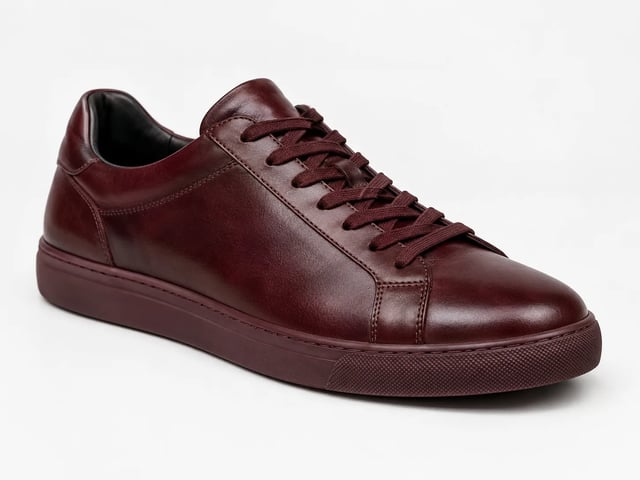
本页图生图是定点修改。上传静图,写清改什么、什么必须留下,再检查身份、文字和裁切。要换整场就改走文生图,别硬改。失败运行自动退积分。

白皮革运动鞋改成牛血色;鞋型与光线不变

1K 先试,2K 或 4K 收尾

默认 1K,方便注册试用覆盖一张 Qwen Image 2.1 静图。值得定稿时,同一条提示词升到 2K 或 4K。

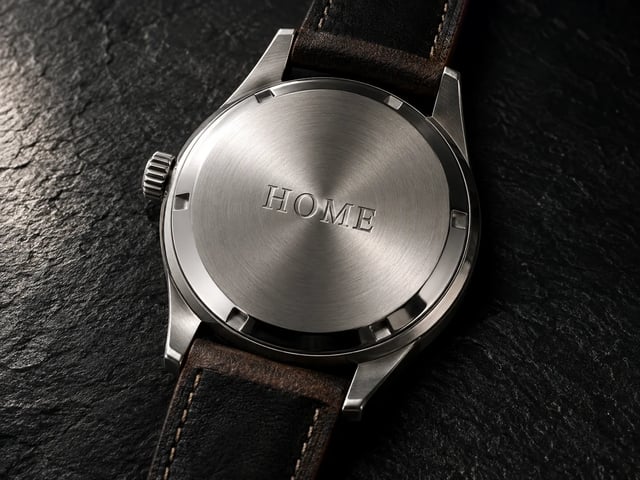
手表特写,金属清晰,短刻字 HOME
使用方法

三步做出一张 Qwen Image 2.1 成片

打开本页,写清任务,下载或继续打磨。

  1. 1

    打开 Qwen Image 2.1

    本页已选中 Qwen Image 2.1。注册一次即可加载免费积分——开始默认 1K 无需绑卡。

  2. 2

    写提示词或上传照片

    文生图用平常话描述静图。图生图则上传参考图并写清只改哪一处。必须出现在图上的词加引号。

  3. 3

    生成、检查文字、收尾

    审看标签和脸。再跑一轮,或在值得定稿时把分辨率升到 2K 或 4K。付费方案解锁商业用途。

什么时候打开 Qwen Image 2.1

同一台生成器——四类工作更看重一张成片,而不是密集板式。

  • 商品运营

    拍摄还没排期,先要一张带短名和价格的目录静图。用 Qwen Image 2.1 在 1K 生成,再给留下的那张收尾。

  • 活动设计

    夜市、发售或周末营业时间,只要一行标题的海报。图内文字压到两行短句。

  • 修图

    已有成片,只要换色或换外套,不要换人。用 Qwen Image 2.1 图生图,并写清必须留下什么。

  • 社媒负责人

    方图或竖版封面,只要一行可读的字。

系列指南

Qwen Image 2 vs Qwen Image 2.1 vs Qwen Image 3

三个都在 Qwen Image X 选择器里跑。本页打开的是 Qwen Image 2.1。

快速 Qwen Image 2 更快的草稿路线 打开 Image 2
新品 Qwen Image 2.1 成片静图 · 精准改图 免费试用 Image 2.1
默认 Qwen Image 3 密集 · 清晰 · 多语言 打开 Image 3
最适合先用 快速风格草稿与日常静图 产品主图、短标题海报、只改一处的照片 多格板式、小字、多语言海报
图内文字 草稿上的短标签 标签与两行海报上的短句 精细字号与密集栏
排版密度 更简单的单场景静图 一张成片静图,不是 3×3 板 长提示词与多区域板式
尺寸 草稿静图 1K 先试;2K 或 4K 定稿 默认 1K;2K 定稿
常见问题

关于 Qwen Image 2.1 的问题

什么时候该用 Qwen Image 2.1 出产品成片?

需要一张成片静图时打开 Qwen Image 2.1:价签可读的产品照、短标题海报,或只改一处的照片。

可以用注册积分免费试用 Qwen Image 2.1 吗?

可以。新账户获赠注册积分,可覆盖默认 1K 的 Qwen Image 2.1 静图。开始无需绑卡。需要更大用量或商业授权时再买积分或订阅。

Qwen Image 2.1 文生图怎样让短标签保持可读?

在提示词里给准确用词加引号——品牌、规格、价格,或两行标题。先用 Qwen Image 2.1 在 1K 生成,核对拼写再升尺寸。图内那一行尽量短。

怎样用 Qwen Image 2.1 图生图只改一处细节?

上传静图,写清改什么、什么必须留下(脸、标签、裁切)。用 Qwen Image 2.1 生成,再和原图对比。文字或身份跑了,缩短「必须留下」清单再跑。

Qwen Image 2 还是 Qwen Image 2.1——该先试哪个?

要快出草稿用 Qwen Image 2。要出成片、又要短标签可读或精准改图,用 Qwen Image 2.1。两者同在一个选择器。

什么时候 Qwen Image 3 比 Qwen Image 2.1 更合适?

静图是密集排版时:分镜、试卷、带许多小标题的双语海报。Qwen Image 2.1 守单张成片、短标签和只改一处。

Qwen Image 2.1 能导出哪些尺寸?

Qwen Image 2.1 从 1K 起步。值得定稿时,同一条提示词升到 2K 或 4K。

Qwen Image 2.1 的成片能用于付费广告吗?

商业用途在付费方案。注册试用是为了试 Qwen Image 2.1。成片要跑广告、上架或客户项目时再升级。

开始使用

免费在线试用 Qwen Image 2.1

注册送积分、成片静图、可读短标签,文生图与图生图——开始无需绑卡。